Short answer: TikTok's native analytics (TikTok Studio) are built for the person who owns the account — they show your numbers, not the fifteen creators you're paying to post for you. Brand-side TikTok creator analytics means tracking every creator's public performance — views over time, engagement, saves, posting cadence — in one place, tied to what you paid each of them, so you can see what TikTok is actually contributing across a whole campaign instead of guessing.
Search "TikTok analytics tools" and almost everything you find is written for one person: a creator trying to grow their own account. The dashboards, the "why did my video flop" breakdowns, the best-time-to-post advice — all aimed at an individual account owner optimizing their next post.
If you're a D2C brand or a UGC agency, that's the wrong altitude. You're not growing one account. You're running ten, twenty, fifty creators at once, and the question that actually keeps you up is: what am I getting for the money, across all of them? This post is about that question — the brand-side one — and which tools can and can't answer it.
The brand's TikTok analytics question is different from a creator's
A solo creator asks a per-video question: which hook landed, when to post, why the algorithm cooled off on Tuesday. Useful for them, irrelevant to you.
A brand running a creator program asks a portfolio question. You have budget spread across a roster, and you need to know which slice of it is working. Concretely:
- Which creators drove the most views for what you actually paid them?
- Who's consistent, and who had one lucky video that's flattering their average?
- Is TikTok, as a channel, pulling its weight next to everything else you spend on?
Those are aggregate, cross-creator, spend-aware questions. Almost no "TikTok analytics tool" is built to answer them, because almost all of them are built for the account owner — which is exactly the wall you hit the second you open TikTok's own analytics.
What TikTok Studio's native analytics can't show you
To be fair to it: TikTok Studio (the analytics built into the app) is good at what it's for. If you own the account, you get view counts, watch time, traffic sources, audience territories and active hours, and per-video completion data — free. For a creator optimizing their own posting, it's a genuinely strong toolset.
The problem is the boundary. Native analytics stop at the edge of the account you're logged into. As a brand, you don't own your creators' accounts — they do. Which means:
- You can't aggregate. There is no view in TikTok Studio that rolls up fifteen creators you don't own into one number. Each creator sees only their own account; you see none of them unless they screenshot and send.
- There's no spend context. Native analytics never knew what you paid a creator, so it can't tell you cost-per-view or which partner was the cheapest source of real reach.
- There's no cross-campaign memory. You can't line this month's five creators up against last month's five and see who's trending up.
So the brand's real starting point isn't "read TikTok's analytics." It's "reconstruct a cross-creator picture from public data, because the native tool was never built to hand it to you."
The metrics that actually matter for brand creator campaigns
Here's where brands waste time: chasing metrics they can't get while ignoring the ones sitting in plain sight. Split them cleanly.
Public — trackable across creators you don't own (this is where a brand should live):
- Views over time, per creator. Not a single day's count — the curve. A UGC video keeps accumulating views for weeks, and the shape of that curve tells you whether a creator makes content with legs or a one-day spike. Judging a creator on views in isolation, per video, is the classic error; you want the trend, the same way the UGC metrics that actually matter are performance-over-time, not a snapshot.
- Engagement — likes, comments, shares, and saves. Saves are the underrated one on TikTok: the count is public, and it's the closest free signal to "I want to come back and buy this." Shares tell you the content traveled beyond the creator's own followers.
- Cost-per-view and cost-per-1,000-views, by creator. This is the number native analytics can never produce, because it requires marrying views to spend. Once you know a creator's views and what you paid, you get a clean efficiency figure to rank the whole roster on.
- Posting cadence. Did the creator deliver the three posts you agreed to, on schedule? Cadence is a contract-compliance signal and a momentum signal at the same time.
Native-only — you get it by asking the creator, not from any tool:
- Completion / watch-through rate. This is the sharpest creative-quality signal there is — did people watch to the end? But it's private analytics, visible only inside the creator's own TikTok Studio. No external tool — not Gromore, not anyone — can scrape it, because it simply isn't public. If you want it, build "share your retention screenshot" into the brief. And be skeptical of any tool claiming to hand you other creators' completion rates from the outside.
A correlation, not hard attribution:
- Follower growth. You can track your own brand account's follower curve over time and line it up against when creators posted for you. That's a useful correlation — a bump after a creator's video is a hint — but TikTok doesn't hand anyone clean last-touch attribution, so treat it as directional, not proof. (Note the scope here: this is content and creator performance, not TikTok Shop sales attribution — that's a separate commerce-tracking problem, and no creator-analytics tool should pretend to solve it.)
TikTok creator analytics tools for brands, compared
No single tool nails every angle, so match the tool to the job. Feature sets and pricing move fast — treat the table as a starting map and verify current details before you buy.
| Tool | Really built for | Cross-creator TikTok tracking | Campaign + payout workflow |
|---|---|---|---|
| Sprout Social | Enterprise social management + publishing across many networks | Strong account-level analytics; TikTok is one channel among many | No creator-payout layer |
| Iconosquare | Social analytics & scheduling for brands and agencies | Solid channel analytics; competitor tracking at account level | No creator-payout layer |
| Exolyt | TikTok-specific analytics & monitoring | Deep, TikTok-only; widely cited for tracking many accounts | Analytics-focused, not a campaign/payout tool |
| Gromore | Brands & agencies running creator campaigns | Per-account and per-video across TikTok, Instagram, YouTube | Native: brief → track → record payouts |
Sprout Social and Iconosquare are legitimately strong, mature social-management suites. If you need to publish, schedule, engage, and report across many networks with a bigger team, they're built for exactly that and do it well. The trade-off for a creator-campaign brand is that TikTok is one channel inside a broad tool, and creator relationships and payouts aren't the model — you'd still be tracking "which creator earned what" somewhere else. (Both are priced as broader team suites; confirm current tiers directly rather than trusting any number you read secondhand.)
Exolyt is the closest thing here to a TikTok-native answer. It's widely cited for deep, TikTok-only analytics and for monitoring a large number of accounts — which is exactly the cross-creator tracking brands need. If TikTok is your only platform and analytics is all you want, it's a strong pick. Where it stops is the workflow: it's a monitoring and analytics product, so briefing creators and recording their payouts still happens outside it.
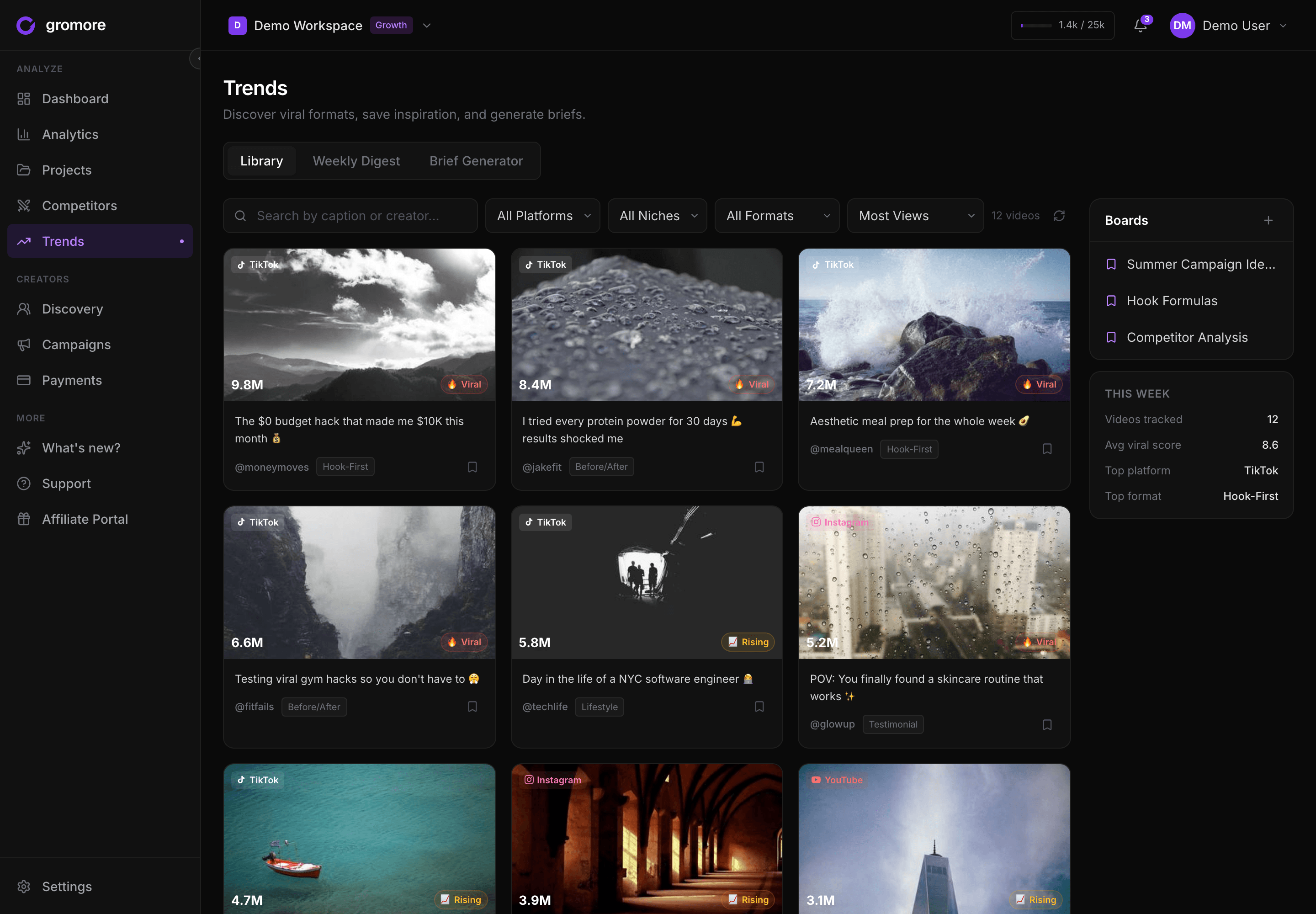
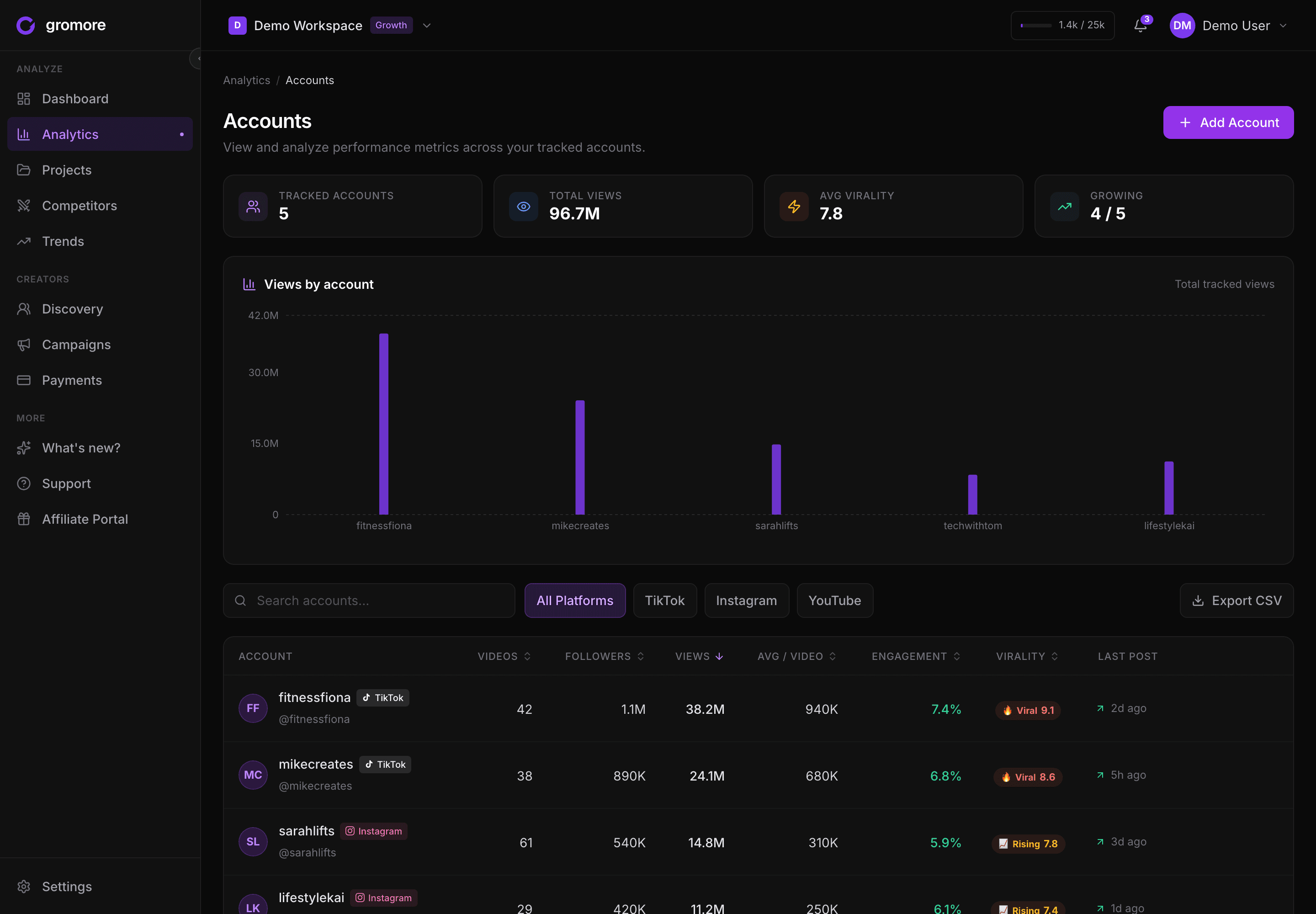
Gromore starts from the opposite assumption — that you're running a creator program, not analyzing one channel. It tracks each creator's public TikTok performance per account and per video (views over time, engagement, saves, cadence, follower growth), and because the same workspace holds your campaigns and payout records, it can put spend next to output and show cost-per-view by creator. It covers Instagram and YouTube on those same creators, and lets you see which creators your competitors are using and surface rising TikTok trends to brief against. The honest trade: it isn't a broad social-publishing suite, and its trend discovery refreshes periodically rather than the instant a trend breaks — its edge is the end-to-end creator workflow, not raw analytics depth for its own sake.
Setting up a simple creator-performance dashboard
You don't need anything elaborate to answer the brand-side question. A workable setup:
- List every creator account, per platform. One row per creator, tagged to the campaign they're on. Add their Instagram Reels performance too if they post there — most do — so you're judging the creator, not one channel.
- Track views over time, not just totals. Capture the curve so a slow-burn creator doesn't get written off on day-one numbers.
- Record what you paid, against what it earned. Log the agreed payout — base, CPM, milestone — so cost-per-view falls out automatically. In Gromore this is record-mode: it calculates, tracks, and records the payout for your books and approval flow; you still send the money your own way. It doesn't move funds.
- Rank on efficiency, then re-book. Sort the roster by cost-per-1,000-views (and completion, where creators shared it). The cheap, consistent performers are the ones you scale.
Do that and the dashboard answers the only question that ever mattered: what did TikTok contribute across every creator, and who earns another campaign? For the full framework across every platform and metric, see our UGC analytics guide, and if you're weighing tools specifically, our viral.app vs Gromore comparison goes deeper on the analytics side.
Bottom line
TikTok's native analytics will never answer a brand's question, because they were built for the person who owns the account — not for you, tracking fifteen creators you don't. The move is to track the public signals you can get across every creator (views over time, engagement, saves, cadence), be honest that completion rate has to come from the creator, and tie every number back to what you spent. Do that in one place that also runs the briefs and records the payouts, and "what is TikTok contributing?" stops being a guess.
Want every creator's TikTok performance — tied to campaigns and payouts — in one workspace? Start a free 7-day Gromore trial — no card required.