Short answer: Creator ROI tracking software connects what you spend on creators to the revenue their content actually drives — not vanity metrics like reach and likes. In practice the market splits into four types (spreadsheets, general social analytics, attribution/affiliate platforms, and creator-native tools), and no single tool does the whole job. The honest ones are upfront about which half of the ROI equation — the creator-and-cost side, or the order-and-revenue side — they really cover.
Every creator dashboard opens with the same numbers: impressions, reach, views, likes, follower growth. They feel like progress. But a wall of six-figure view counts tells you nothing about whether a single order happened. That gap — between numbers that look good and numbers that prove sales impact — is the whole reason this software category exists.
This post is about choosing a tool, not doing the math. If you want the attribution theory and the actual formula, that lives in how to measure UGC ROI. Here, the job is simpler: understand what each type of tool does and doesn't solve, and pick the one that fits your team.
Why "vanity metrics" dashboards aren't ROI tracking
Reach and engagement are inputs, not outcomes. A video with 900K views and a healthy engagement rate can still lose money if the creator cost more than the orders it drove — and a quiet 40K-view post from exactly the right creator can be your most profitable placement of the quarter. You can't tell the difference from a likes-and-views dashboard, because it's measuring the wrong thing.
ROI only appears when you put two numbers side by side that most "analytics" tools keep in separate rooms: what the creator content did, and what it cost versus what it returned. Vanity dashboards answer "how did the content perform." ROI tracking has to answer "did this creator make or lose us money." Those are different questions, and the second one is the only one your P&L cares about.
This is the same shift behind the move away from spray-and-pray influencer spend toward measured, performance-tracked UGC — we dig into that trend in UGC vs influencer ads. The tools worth paying for are the ones built for the second question, and the UGC metrics that actually predict revenue rather than the ones that just look impressive on a slide.
What creator ROI tracking software actually needs to do
Strip away the marketing and a genuine ROI tool has to do at least some of three jobs:
- Tie creator activity to order data. The revenue half of ROI lives in your store — UTM links, promo and discount codes, order events. Any tool that only counts engagement is estimating, not measuring. You need a real cost per creator on one side and a revenue figure you can trace back to them on the other.
- Roll up at the creator level, not just the campaign level. A campaign total quietly hides your best and worst partners. You want to see that Creator A returned 4x while Creator B returned 0.8x — because you re-book one and cut the other. A single blended number makes that impossible.
- Report often enough to act on it. The old model was a quarterly earned-media-value slide nobody opened. The useful model is a dashboard you check weekly, close to the work. That's why daily-use tools are steadily replacing end-of-quarter reports: a number you see in time to change something is worth far more than a prettier one you see in arrears.
Almost no tool nails all three. Knowing which ones it does is the entire buying decision.
The four kinds of tools — and what each solves for ROI
Nearly everything sold as "creator ROI tracking software" falls into one of four buckets. Here's the honest version of what each does, and what it leaves on the table.
1. Spreadsheets. Free, flexible, and where most brands start. You paste in views, log what you paid, and eyeball the rest. The trouble is everything after "start": numbers go stale the moment you save, nothing updates itself, cross-platform data has to be copied by hand, and the whole thing buckles the day you run more than a handful of creators. A spreadsheet can hold your ROI math. It can't track anything for you.
2. General social analytics. Native platform insights plus tools like Sprout Social, Metricool, or Socialinsider (widely used; pricing varies — verify). These shine at the content layer: reach, engagement, follower trends, cadence, competitor benchmarking. What they don't have is either side of the money — they don't know what you paid a creator, and they can't see your checkout. Excellent at "how is this content performing," silent on "did it pay off."
3. Attribution and affiliate platforms. This is where the real revenue link lives. GRIN and Aspire (both commonly positioned as enterprise creator-management suites), promo-code and affiliate platforms, and revenue-dashboard tools like MoonTech (positioned around unified orders/revenue/LTV — verify) tie creator links and discount codes to actual orders. When they fit, they answer the revenue question directly. The catch is cost and shape: GRIN's pricing is commonly reported to start in the low thousands of dollars a month on annual enterprise contracts (⚠️ verify), Aspire is widely cited as custom, often four-figure monthly pricing (⚠️ verify), and pure affiliate tools frequently charge a percentage of tracked revenue — which quietly scales your bill with your success. Many are also built around the affiliate/discount-code model, which suits some brands and fits others poorly.
4. Creator-native performance platforms. Tools built specifically to track creators — like The Cirqle, which positions itself around daily-use RoAS/CAC tracking (⚠️ verify), and Gromore. The promise here is a creator-level, cross-platform view you'll actually open, without an enterprise onboarding. What varies most across this bucket is honesty about the revenue link: some genuinely connect order data, others quietly fall back to an EMV estimate and call it ROI.
Here's the same landscape side by side:
| Tool / category | What it tracks best | Ties to real revenue? | Per-creator view | Cross-platform (TT/IG/YT) | Pricing model (verify before buying) |
|---|---|---|---|---|---|
| Spreadsheet (DIY) | Whatever you type in | Only if you enter it by hand | Manual | Manual copy-paste | Free (costs your time) |
| Social analytics (Sprout, Metricool, Socialinsider) | Reach, engagement, benchmarks | No — no cost or order data | Limited | Varies by tool | Flat SaaS, tiered (verify) |
| GRIN | End-to-end creator mgmt + UTM attribution | Yes, via UTM/order integration | Yes | Yes | Enterprise; commonly reported low-thousands/mo+ (verify) |
| Aspire | Affiliate links + promo codes, creator search | Yes, via affiliate/promo tracking | Yes | Yes | Custom/enterprise; often four-figure/mo (verify) |
| Affiliate / revenue tools (MoonTech, promo-code platforms) | Orders, revenue, LTV | Yes — that's the model | Varies | Varies | Often % of tracked revenue (verify) |
| The Cirqle | Daily RoAS/CAC creator tracking | Partial to yes (verify) | Yes | Yes | Enterprise; not public (verify) |
| Gromore | Creator + content performance and cost, per creator | Partly — creator/cost side natively; revenue via your own UTM/order data | Yes | Yes (TikTok, Instagram, YouTube) | Flat SaaS: $69 / $199 / $349 per month |
Where Gromore fits — the honest version
Gromore sits in the creator-native bucket, and it's built to be clear about exactly which half of ROI it covers.
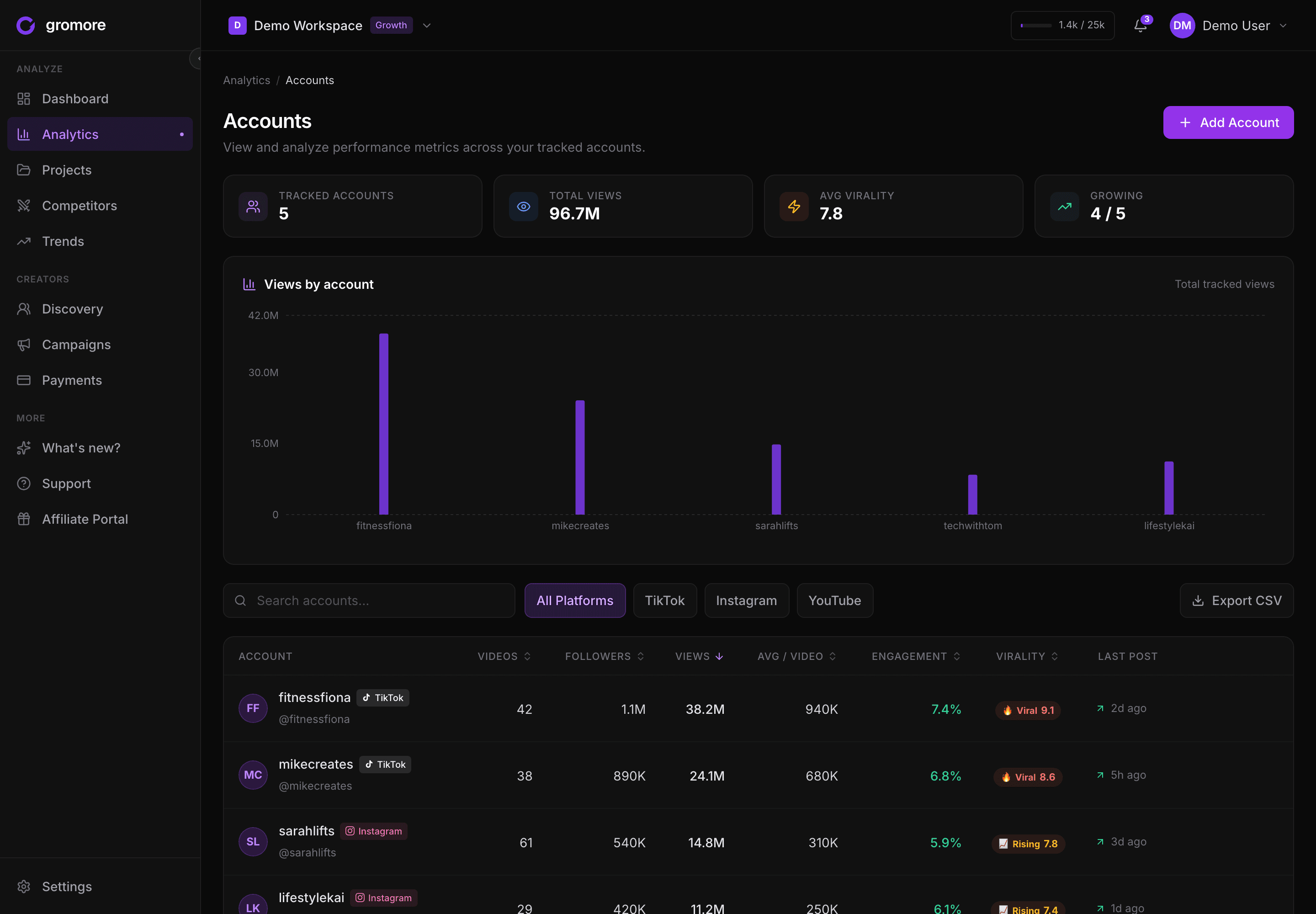
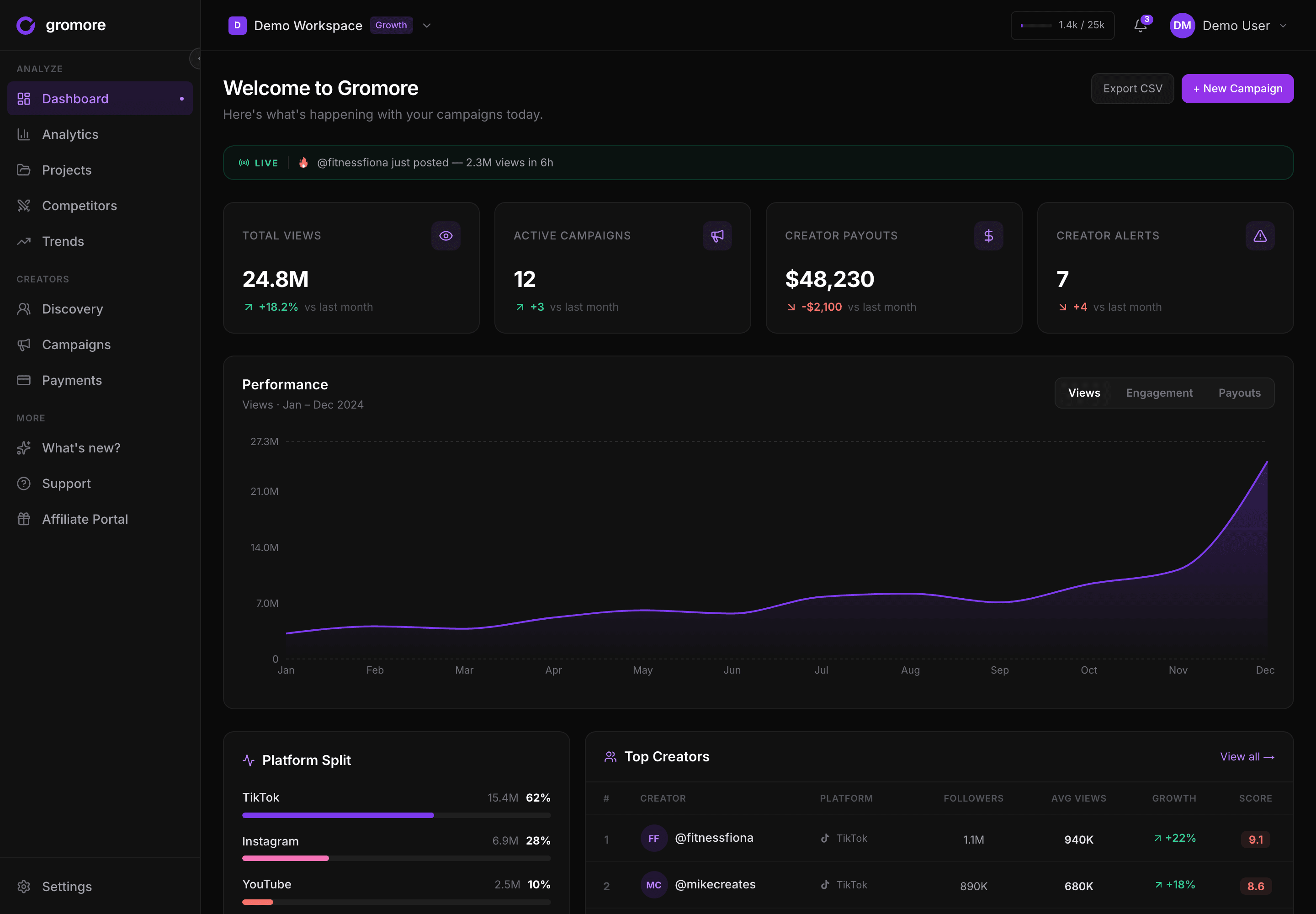
Natively, at the creator level, across TikTok, Instagram, and YouTube, it tracks:
- Content performance per creator and per campaign — views, engagement, follower movement, posting cadence, top posts — rolled up so you can see which creators actually produce, not just a campaign average.
- Cost. Because Gromore also runs your creator payouts on a base + CPM + milestone rules engine (with approval workflows), it knows what each creator is set to earn. That's the spend side of ROI, attached to the same creator record as the performance — so you get cost-per-view, cost-per-engagement, and a clean per-creator cost rollup without a second spreadsheet.
Now the honest caveat, because this is exactly where a lot of tools bluff. Gromore does not sit on your checkout. It doesn't invent an EMV figure and call it revenue, and it can't see your Shopify orders on its own. The final step — attaching real revenue to a specific creator — comes from your store's UTM links and promo codes, the same order data every honest tool depends on. Gromore gives you the creator-and-cost side cleanly; you close the loop with your order data. The exact method is in how to measure UGC ROI.
One more point on payouts: Gromore is record-mode. It calculates what each creator is owed, routes it through approvals, and keeps an audit trail — but it does not move money or pay creators. You keep control of the actual transfer through your own method. That keeps your cost data accurate without pretending to be a payment processor.
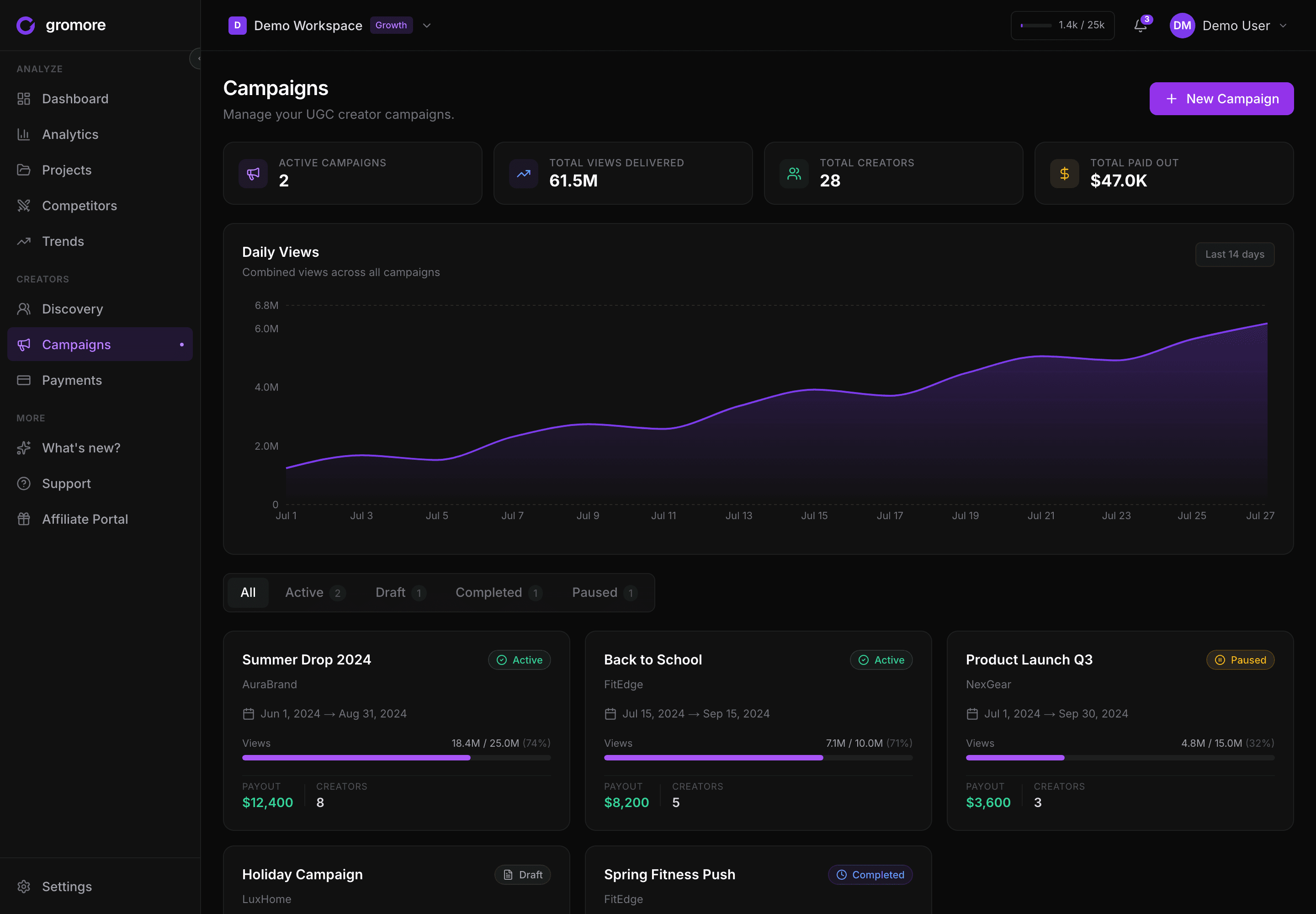
And the pricing is deliberately the opposite of the enterprise bucket: a flat SaaS fee — Starter $69, Growth $199, Agency $349 per month — not a percentage of the revenue you track, so the tool doesn't get more expensive every time a creator does well. The Agency plan adds up to 10 client workspaces and 20 seats for teams managing multiple brands. There's a 7-day free trial, no card required. It's one piece of a broader UGC analytics workflow — discovery, tracking, campaign management, and payout records in one place. If you're specifically on Shopify, we compare the wider tracking-tool field in the best UGC tracking tools for Shopify brands.
What to look for before you buy
Four questions cut straight through the category:
- Does it connect to your real order data, or just estimate EMV? Earned media value is a made-up dollar figure derived from impressions. It is not revenue. If a tool's "ROI" number doesn't trace back to actual orders — through UTMs, promo codes, or an order integration — treat it as a vanity metric in a nicer outfit.
- Per-creator or per-campaign granularity? Campaign-level ROI is fine for a board slide and nearly useless for decisions. You re-book and cut individual creators, so you need the number at the creator level, not blended.
- What's the pricing model — flat fee, or a cut of your revenue? A flat SaaS fee is predictable. A percentage of tracked revenue means the tool's bill grows with your success and can get expensive fast for a program that's actually working. Neither is wrong; just know which you're signing.
- Does it cover the platforms and the workflow you actually run? Cross-platform tracking (TikTok, Instagram, YouTube) matters if your creators post in more than one place. And a tool that measures ROI but makes you leave it to brief and pay creators has only moved the busywork — it hasn't removed it.
Quick decision guide
- Solo or just starting, a few creators: A spreadsheet plus your store's native UTM reports is genuinely enough. Don't buy software to track five posts.
- Growing D2C brand, roughly 10–50 creators, where cost matters: This is the sweet spot for a creator-native platform. You want per-creator performance and cost together, cross-platform, at a flat fee — and you connect revenue through your own UTMs and promo codes. Gromore's Starter and Growth plans sit here.
- Affiliate-first or discount-code-driven program: An affiliate/attribution platform earns its keep, because the revenue link is the model. Just keep an eye on percentage-of-revenue pricing as you scale.
- Enterprise brand, big budget, dedicated team: GRIN, Aspire, or a full enterprise suite can absorb the cost and give you end-to-end management with built-in attribution. Verify current pricing, and make sure you'll actually use the depth you're paying for.
- Agency managing many clients: Multi-workspace and seat count matter more than anything else — a per-client-workspace model (Gromore's Agency plan is built for this) keeps each brand's creators, campaigns, and payout records cleanly separate.
Bottom line
Most products sold as "creator ROI tracking software" cover only one half of the equation — the content performance, or the revenue link, rarely both, and almost never at the creator level for a price a growing brand can absorb. So the honest way to evaluate is to ask which half each tool actually delivers, refuse EMV dressed up as revenue, and insist on per-creator numbers. Gromore's answer is to own the creator-and-cost side cleanly and cross-platform, stay upfront that revenue attribution comes from your own order data, and charge a flat fee instead of a cut of your sales.
Want per-creator performance and payout costs in one place, across TikTok, Instagram, and YouTube? Start a free 7-day Gromore trial — no card required.