Guides
Competitor tracking
Add competitors, connect their public TikTok and Instagram accounts, and see how your content stacks up week over week.
What competitor tracking does
Competitor tracking lets you follow other brands and creators alongside your own accounts, so you can compare performance instead of guessing. You add a competitor, connect their public accounts, and Gromore pulls in their videos and stats the same way it does for the accounts you own.
Everything here is built on public data only. Gromore captures what anyone can see when logged out of TikTok and Instagram. It cannot access private accounts, DMs, or a creator's own internal analytics, so figures like views are the public, logged-out numbers.
Adding competitors counts toward your plan's limits. To see how many you can track and what you have used, open Settings and go to Billing, which shows your live usage and caps.
Add a competitor and connect accounts
A competitor is a labeled entry that holds their public accounts. You can connect one account per platform per competitor, so a single competitor can have one TikTok account and one Instagram account. If a brand runs several handles, add the one you most want to benchmark against.
Gromore tracks TikTok and Instagram. Enter a public handle or profile URL; if the account is private or the handle is wrong, the sync will not find anything to capture.
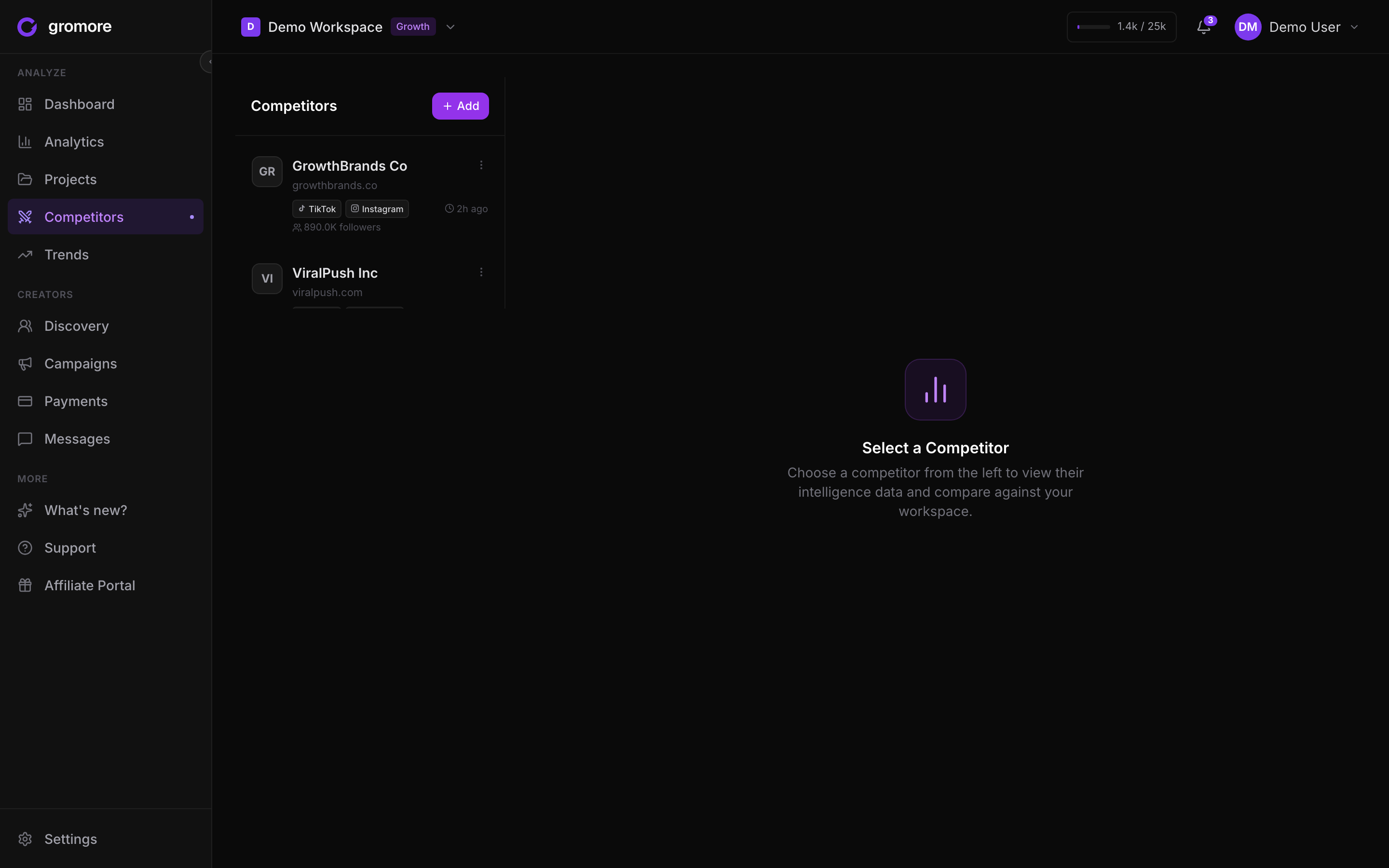
- 1Open the Competitors page.
- 2Add a new competitor and give it a name you will recognize.
- 3Connect a public TikTok or Instagram account by handle or profile URL.
- 4Optionally add the other platform (one TikTok and one Instagram per competitor).
- 5Save, then let the first sync run to pull in their public videos.
How competitor syncing works
Competitor accounts sync on the same rules as your own. Refreshes follow your plan's cadence, and a manual refresh is available on every plan with a short pause of about ten minutes before the same account can be refreshed again. If a first sync fails on a valid public account, Gromore automatically retries it.
Because syncing captures real videos, a competitor's net-new videos draw from the same video credits as your own accounts. Credits count videos actually captured, not a limit you pick, deletes never refund them, and they are pooled across all workspaces you own. Gromore hard-stops at your quota rather than billing overage, so features pause until your next cycle or an upgrade.
As with your own accounts, newest posts can show slightly lower public view counts at first and then converge as they age, and the interface labels this. When a creator hides their like counts, Gromore shows Hidden.
Compare: you vs. them
Open a competitor to see a side-by-side view of your content against theirs. The weekly trend charts your performance next to the competitor over time, so you can see who is gaining and who is slowing down.
The platform mix breaks results down across TikTok and Instagram, and the top videos view surfaces their best-performing public posts so you can study what is working. Virality and engagement figures are calculated at display time from the public numbers, so they always reflect the latest captured data.
For a deeper read, the AI report view summarizes the comparison in plain language, calling out where a competitor is outperforming you and what patterns stand out in their recent content.
Get notified when a competitor pops off
Gromore can alert you when a tracked competitor posts a video that takes off, through the competitor viral notification. Alerts show up on the topbar bell and can also be delivered to Slack or Discord.
Manage this in Settings: the Notifications tab controls which events fire, and the Integrations tab controls where they are delivered. Slack and Discord delivery is a Growth or Agency feature.