Creator payments
Creators
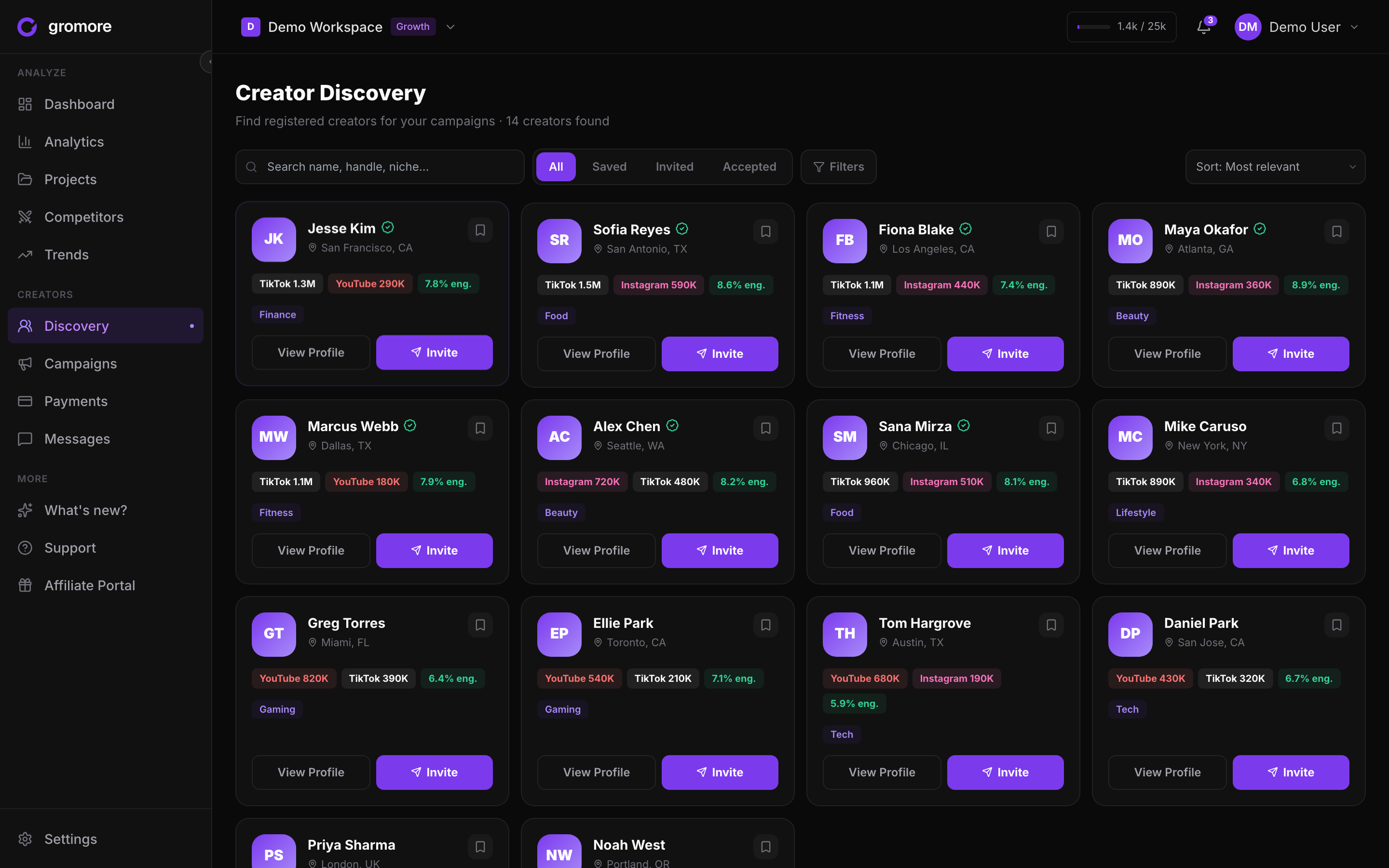
How to add creators to your workspace, connect their tracked accounts, keep notes, and manage them over time.
What a creator is
A creator is a hub entity in Gromore: one profile that ties together the TikTok and Instagram accounts you track, the campaigns they take part in, and the payouts you record for them. Connecting a creator turns scattered accounts and videos into a single view of the person behind the content.
Creators live in Creator payments, which is a Growth or Agency feature. How many creators you can add depends on your plan. Rather than memorize a number, open Settings then Billing to see your live usage and cap, alongside your other limits.
This is a management tool, not a money-moving one. Creator profiles feed your analytics and your payout math, but Gromore only records what you owe (more on that in the Payouts guide) and never moves funds.
Add a creator and connect their accounts
Adding a creator takes a minute: create the profile, then connect the accounts you already track (or add new ones). Once accounts are linked, that creator's videos flow into their profile automatically, so their views, engagement, and posting activity roll up in one place.
A creator can have more than one account across TikTok and Instagram. All of them feed the same analytics and the same payout calculations, so you get an accurate picture even when someone posts on several handles.
- 1Open Creator payments and go to the Creators area.
- 2Create a new creator profile with their name or handle.
- 3Connect the tracked accounts that belong to them; you can attach several accounts across TikTok and Instagram.
- 4Assign the creator to a campaign if you're running one, so their content counts toward its payout rules.
- 5Wait for the next sync — new accounts backfill their videos, and analytics update once the data lands.
A creator is not a teammate
It's easy to mix these up, so it's worth being clear. A creator is someone whose content you track and, optionally, pay. A teammate is someone who logs into your Gromore workspace to work alongside you.
Teammates are added from Settings by email invite, they take a seat, and they get a role — owner, admin, member, or viewer — that controls what they can change. Creators have none of that: they don't log in, don't take a seat, and don't get a role. Adding a creator never sends them access to your workspace.
Notes and off-platform management
Each creator profile has space for internal notes — deliverable reminders, rate context, who owns the relationship, anything your team needs at a glance. These notes are for your workspace only.
Never store payment credentials or passwords in a creator's notes. Gromore records payouts but doesn't hold banking details, and notes are the wrong place for sensitive account information. Keep that with the creator, off-platform.
Today, you manage creators outside Gromore — messaging, contracts, and getting paid all happen in your own tools, while Gromore keeps the tracking, analytics, and payout record. A creator-facing portal, where creators would see and claim their own payouts, is on the roadmap and not yet available.
Archive vs remove
When you stop working with a creator, you have two choices. Archive keeps the creator and their history — past videos, campaign links, and recorded payouts stay intact for reference and reporting, but the creator moves out of your active roster.
Remove deletes the creator profile itself. Note that this is separate from your video credits: because credits count net-new videos actually captured, deleting a creator or their accounts never refunds credits. If you might want the history later, archive rather than remove.